Does lower infill save filament? Walls vs infill, the math
Does lower infill save filament? It depends on the size of the part. Walls follow the outline of a part, infill fills its area. Make a part twice as big and the walls roughly double, but the infill grows four times.
What you'll learn
- Walls follow the outline
- Infill follows the area
- Big part? Lower infill first
Chapters
- 0:00The question
- 0:40One layer, from above
- 1:06The scaling rule
- 1:25What a change does
- 1:46Which one to touch
- 2:33In your slicer
- 2:50Recap
Pause and guess
A 25 mm block, 2 walls, 15% infill. What uses more plastic per layer? (tap to see the answer)
- The walls
- The infill
- About the same
Print settings
| Quality | |
|---|---|
| Layer height | 0.20 mm |
| Strength | |
| Wall loopskey setting | 2 |
| Sparse infill densitykey setting | 15 %, then 10 % |
| Support | |
| Enable support | Off |
Grouped by the tabs in Bambu Studio. Names differ slightly in PrusaSlicer and Cura. Settings not listed can stay at your printer profile.
Test it yourself
Mentioned in this episode
Full transcript
You want a faster, lighter print, so you lower the infill. On a big part, the grams drop. On a small part, you save far less. Why? Let's do the math on walls versus infill, and you'll know which setting to touch.
So you drop the infill from fifteen to ten percent on a little bracket. The grams in the slicer barely move. Do the same on a big box, and you save a lot. Same setting, very different result.
Pause and guess. A 25 millimeter block, two walls, fifteen percent infill. In one layer, what uses more plastic? A: the walls. B: the infill. C: about the same.
It's C. About fifty-fifty. I picked this size on purpose. Let's see why.
Look at one layer in the middle, from above. Two wall loops run around the outside, each a line about 0.42 millimeters wide. They are solid plastic. The infill fills the inside, but at fifteen percent, it's mostly air.
Now change only the size. A 10 millimeter block: the walls are 75 percent of the plastic in that layer. At 25, it's 50. At 60 millimeters, the walls drop to 28 percent. The infill takes over.
Here's the rule behind it. Walls follow the outline. Infill fills the area. Make a part twice as big, and its outline doubles. But its area grows four times.
So there's a break-even size. With two walls and fifteen percent infill, it's about 25 millimeters. Smaller parts are mostly walls. Bigger parts are mostly infill.
Now, what does one change do to the whole block, solid top and bottom layers included? On the 10 millimeter block, ten instead of fifteen percent infill saves about 7 percent of the plastic. One more wall adds about 23 percent.
On the 60 millimeter block, it flips. Less infill saves about 17 percent. One more wall costs only about 8.
That's today's free model, the size ladder: three blocks, same settings. On the big one, infill is the bulk. So to save plastic on big parts, lower the infill first. Keep enough top layers, or the top can sag between sparse lines.
Now cut the small block open. The two walls make a thick ring, and the infill is just a few thin lines. So infill tweaks change much less here. On a small part, most of the time goes into walls and details.
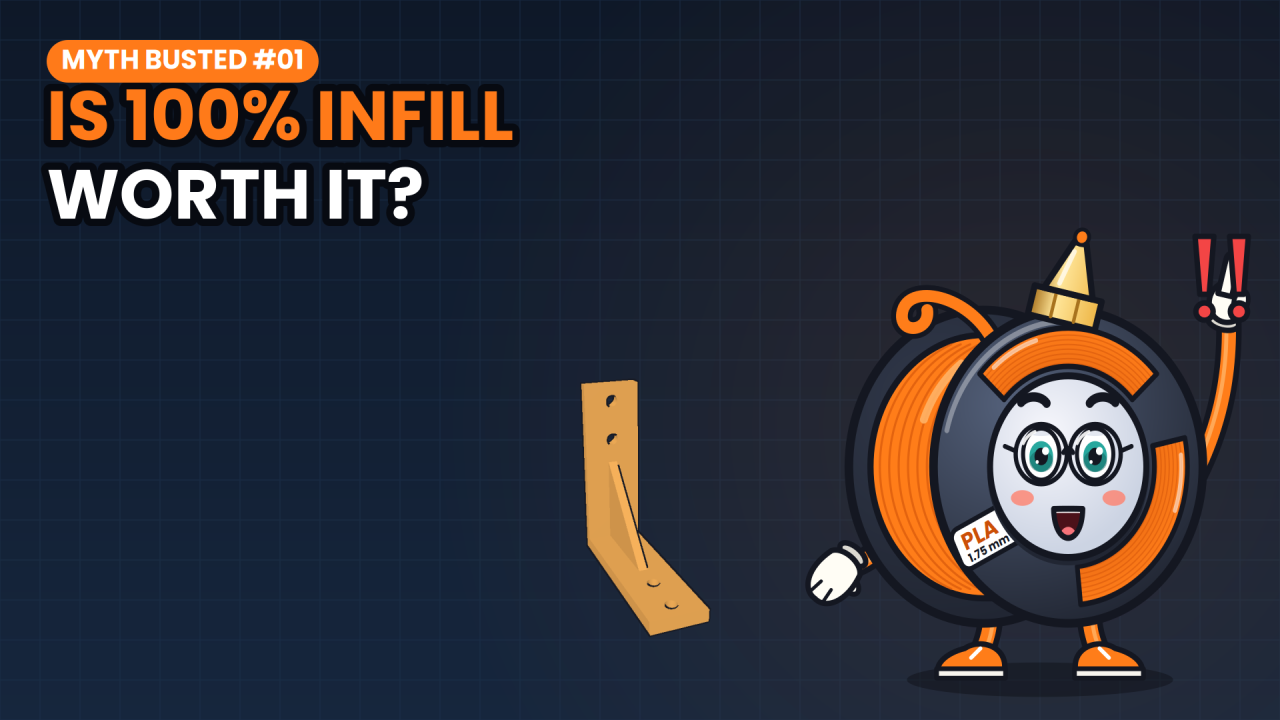
And walls are a cheap upgrade on big parts. In Myth Busted number one, we saw that walls carry most of the bending load. On the big block, one extra wall costs only about 8 percent more plastic.
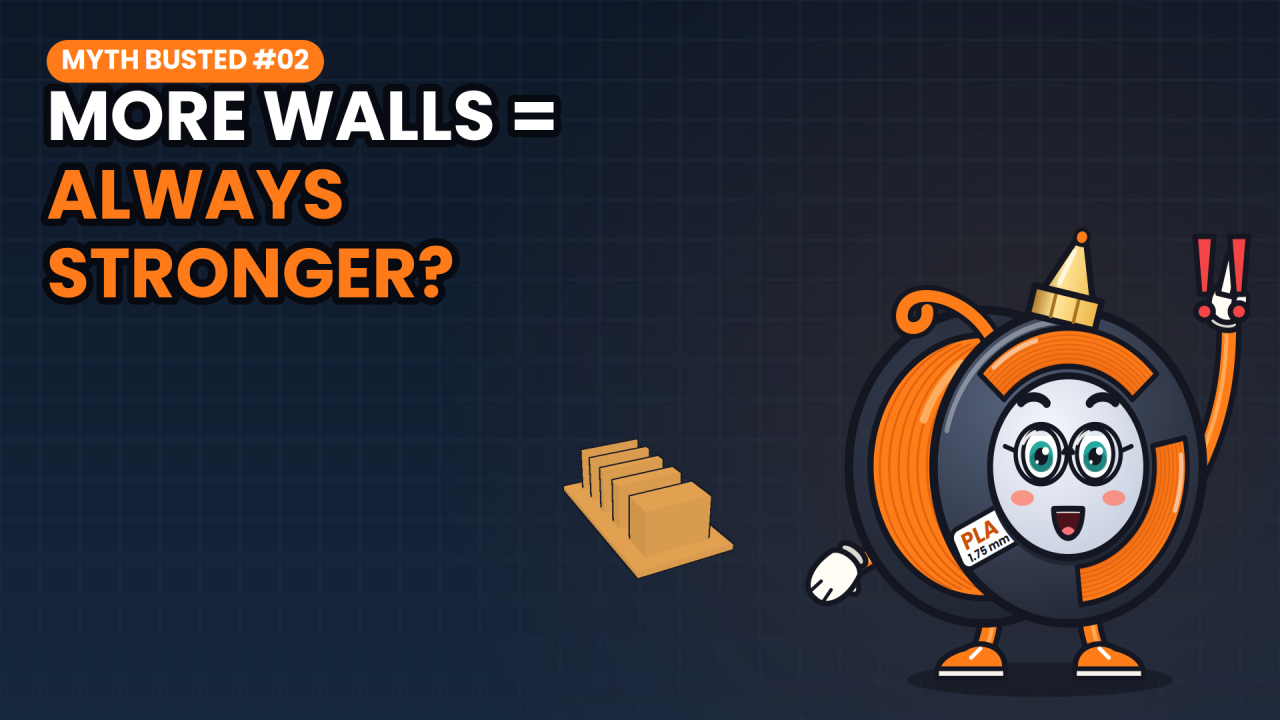
But don't go wild. Myth Busted number two showed that each extra wall adds less strength than the one before. For most functional parts, three or four walls is plenty.
In Bambu Studio, that's wall loops and sparse infill density. PrusaSlicer says perimeters and fill density, Cura wall line count and infill density. The solid top and bottom layers don't change, so they make every saving a bit smaller. Print time follows a similar split, but walls and infill print at different speeds, so check the time per line type in the preview.
In short: walls follow the outline, infill follows the area. On big parts, lower the infill first. On small parts, the walls are the print.
The size ladder is free. Slice all three blocks and compare the line types in the preview. Tell me in the comments: what's the biggest part you ever printed, and at what infill? Next time on Print Math: tree supports or normal supports? Subscribe so you catch it. I'm Spoolbert, see you in the next one.

Spoolbert explains one 3D printing problem per episode, with a free model to test the fix. Made by EMBODY³, a 3D printing studio in Belgium.