Same overhang, two results: why chamfers print and fillets droop
Both arms overhang the same 20 mm. The left underside is a 45° chamfer, the right one a fillet. The fillet becomes almost horizontal near the top, so that part is printed on air (red in the analysis).
What you'll learn
- Stay under 45°
- Chamfer edges facing down
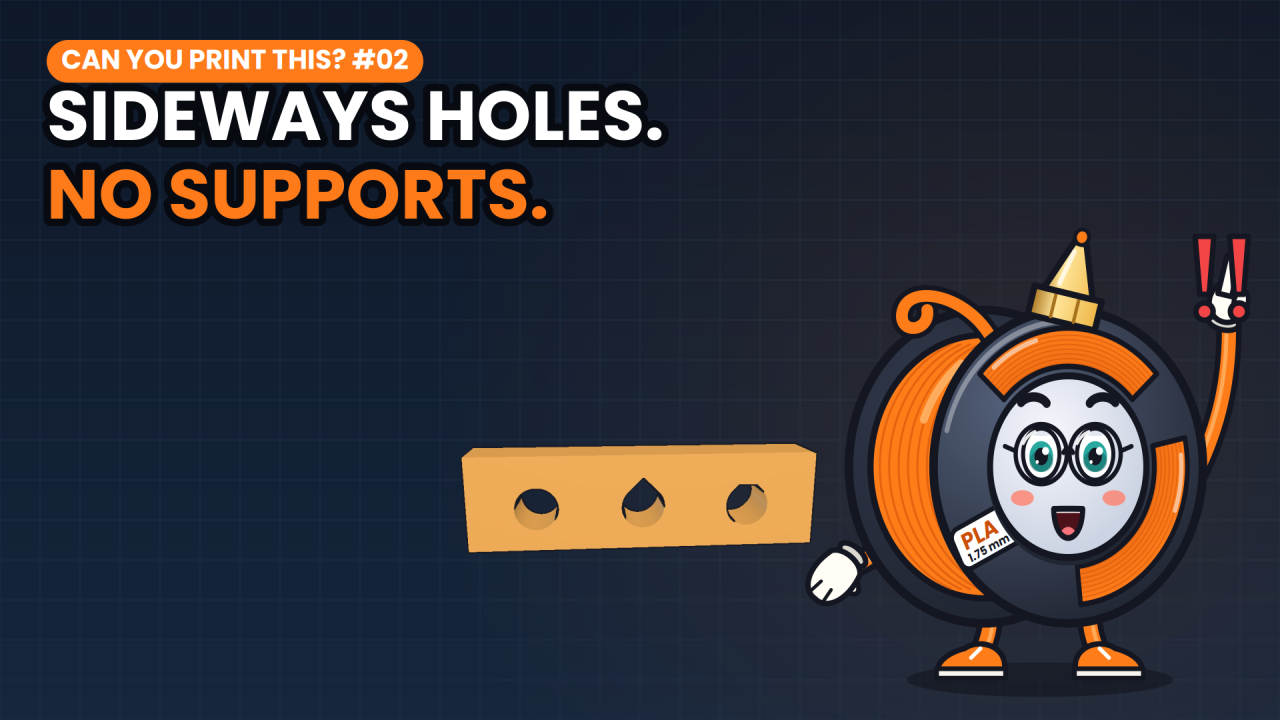
- Teardrops for sideways holes
Chapters
- 0:00Two arms, two results
- 0:40Colouring the overhangs
- 0:49The 45 degree rule
- 1:13Chamfer vs fillet
- 1:33Sideways holes
- 1:48Settings
- 1:58Recap
Pause and guess
Both arms stick out 20 mm. Which one droops? (tap to see the answer)
- Left: the chamfer
- Right: the fillet
- Both of them
Print settings
| Quality | |
|---|---|
| Layer height | 0.20 mm |
| Strength | |
| Wall loops | 2 |
| Support | |
| Enable supportkey setting | Off |
Grouped by the tabs in Bambu Studio. Names differ slightly in PrusaSlicer and Cura. Settings not listed can stay at your printer profile.
Test it yourself
Next in this series
Full transcript
Both arms of this part stick out exactly 20 millimeters. Same height, same thickness. One prints perfectly. The other one droops. Why?
Overhangs are the number one reason people add supports. And supports cost print time, waste plastic, and leave ugly marks you have to clean up.
Pause and guess. Which arm droops? A: the left one, with the straight chamfer. B: the right one, with the round fillet. Or C: both?
It's B, the round one. That surprises most people. Here's why.
Here's the part from the front. On the left, the underside of the arm is a straight 45 degree chamfer. On the right, it's a curved fillet. Looks harmless, right?
So let's colour every surface by how steeply it hangs over thin air. Teal prints fine. Red needs support. And look: all the red sits on the fillet side.
To see why, zoom in on the plastic itself. Every line your printer lays down is a little bead, about 0.4 millimeters wide and 0.2 tall.
Up to about 45 degrees from vertical, each new bead still rests at least half on the one below. It has something to stand on.
Go flatter, and the next bead lands on nothing. It sags, curls up as it cools, and drags the layers above it down with it.
Now look at the arms again. The chamfer stays at 45 degrees all the way up. The fillet starts steep, but near the top it turns almost flat. That last flat bit is printed on air, and that's the part that droops.
So on edges that face down, use a chamfer, not a fillet. Save the fillets for edges that face up, where they look great and print perfectly.
The same rule explains holes that run sideways. A round hole has a flat ceiling at the very top, and that ceiling is printed on air.
Make it a teardrop, with a pointed roof at 45 degrees, and it prints clean. Your bolt won't notice the difference.
In your slicer, look for the support threshold angle, so supports only appear where they're really needed. Keep the part cooling fan on for overhangs, and let the printer slow down on steep ones.
In short: stay under 45 degrees, chamfer the edges that face down, and use teardrops for sideways holes.
Print this test piece yourself and see it happen. It's free, link in the description. I'm Spoolbert, see you in the next one.

Spoolbert explains one 3D printing problem per episode, with a free model to test the fix. Made by EMBODY³, a 3D printing studio in Belgium.