Your first 3D print: how to get it right first time (watch layer one)
Your first 3D print doesn't have to end in spaghetti. Start small and flat, keep the slicer on its defaults, and watch the one layer that decides everything: the first one.
What you'll learn
- Plate clean, no fingerprints
- Loaded filament = slicer filament
- Auto calibration on, if you have it
Chapters
- 0:00The first print
- 0:18Pick an easy model
- 0:58Slice it
- 1:20Before you press print
- 1:48Watch the first layer
- 2:26Taking it off
- 2:36Recap
Pause and guess
Your print just started. When should you watch it most closely? (tap to see the answer)
- The first layer
- Halfway
- The last layer
Print settings
| Quality | |
|---|---|
| Layer height | 0.20 mm (default) |
| Support | |
| Enable supportkey setting | Off |
| Others | |
| Brim typekey setting | No-brim |
Grouped by the tabs in Bambu Studio. Names differ slightly in PrusaSlicer and Cura. Settings not listed can stay at your printer profile.
Test it yourself
Mentioned in this episode
Next in this series
Full transcript
Your new printer is unboxed. It's tempting to print something big and impressive right away. Let's make your first print a win instead.
Because the classic first print goes like this. A big model, straight from the internet. Halfway through, it comes loose from the plate. You come back to a nest of plastic spaghetti, and hours are gone.
So start small. This is this episode's free model: a keychain tag. It has a hole for your keyring and a little spool on top. It's built to be an easy first print.
Three things make it easy. One: it's flat. The whole bottom, about 14 square centimeters, lies on the plate. More contact means more grip.
Two: nothing hangs in the air. Every surface lies on the plate, stands straight up, or faces up. So it needs no supports. I checked: zero overhangs steeper than 45 degrees.
Three: it's small. Just 15 layers, under four grams of plastic, and a bit over a meter of filament. On most printers it's done in well under an hour. So if something goes wrong, you find out fast.
Next, the slicer. For a first print, you only make three choices. Your printer and nozzle. The filament that's actually loaded. And the default profile for everything else. Supports and brim stay off: this tag doesn't need them.
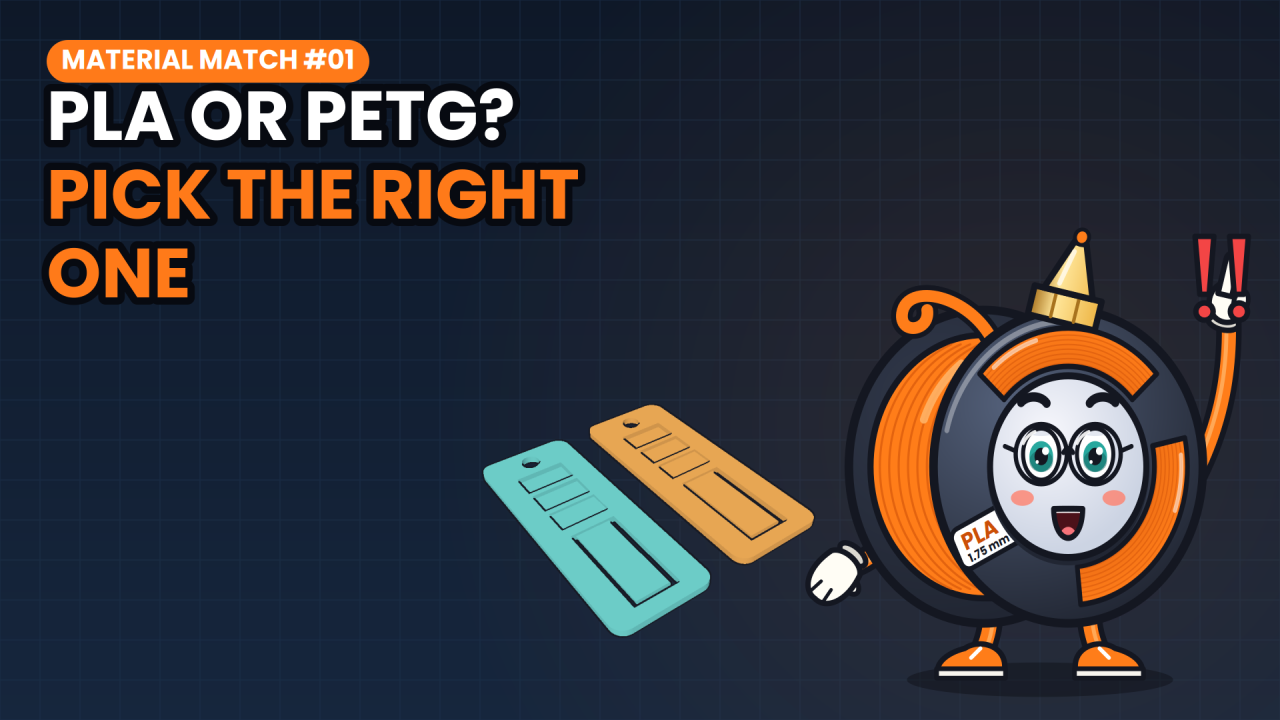
Which filament? For your first spool, PLA is the friendly one. It prints cooler than PETG or ABS and barely warps. We compared it with PETG in an earlier episode.
Before you press print, three quick checks. A clean plate: fingerprints are grease, and plastic sticks badly to grease. The filament in the slicer matches the spool on the printer. And if your printer has an automatic calibration, let it run.
Now, pause and guess. Your print just started. When should you watch it most closely? A: the first layer. B: halfway. Or C: the last layer?
It's A. The first layer. If it doesn't stick, nothing on top of it will.
On this tag, layer one is just one of 15 layers. Here it is in teal: one thin sheet. But it decides whether the other 14 ever happen. So stay with the printer for those first few minutes.
Here's what to look for, seen from the side. Nozzle too high, and the lines stay round, with gaps between them. They peel right off.
Nozzle too low, and it squashes them thin, with rough ridges. Sometimes it even scrapes the plate.
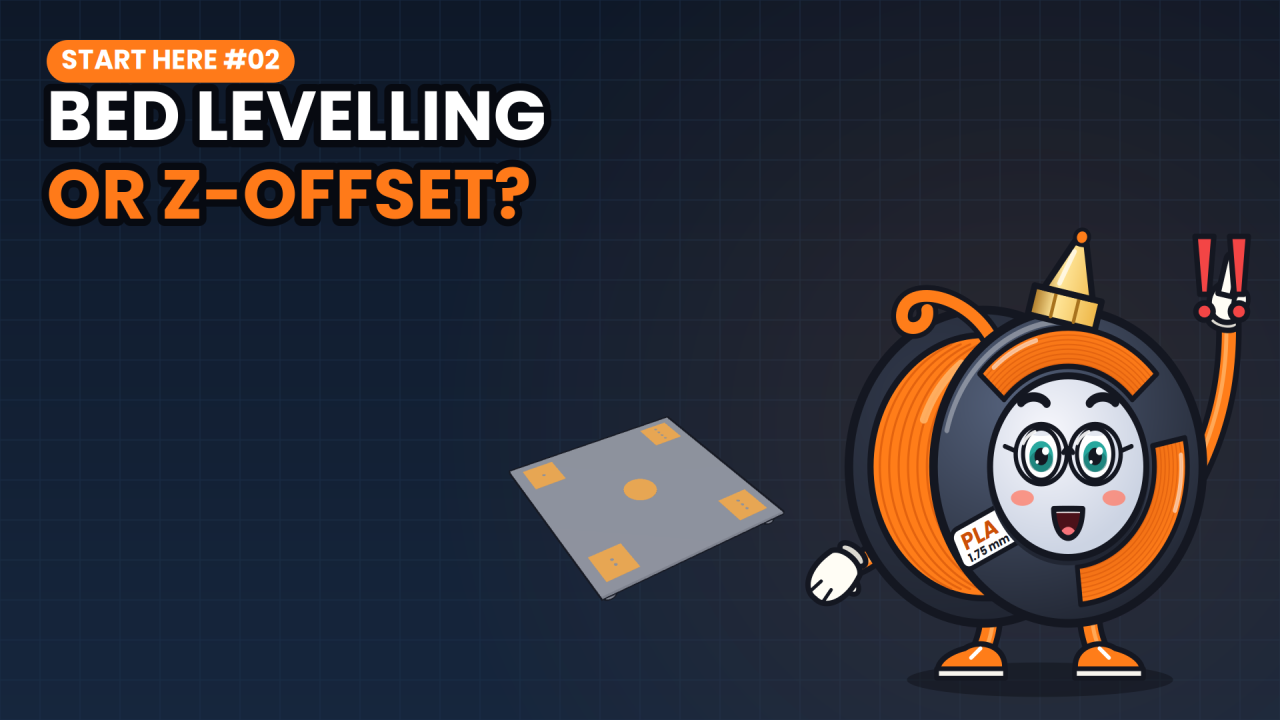
Just right: a little flattened, touching each other, smooth and without gaps. Anything else? Stop the print, check the plate and the nozzle height, and start again. Most printers call that the Z offset. Hoping doesn't fix it. How to set it is the next Start Here.
When it's done, don't pull. Let the plate cool down first: many prints let go more easily once it's cold. Is your plate removable and flexible? Bend it a little, and the stiff print pops off.
In short: pick something small and flat that needs no supports. Use the default profile with the right filament. Watch layer one, and let it cool before you take it off.
The tag is free to download. Print it, hang it on your keys, and tell me in the comments: what was your very first print? Next time in Start Here: first layer bad in one corner? Bed levelling versus Z offset. Subscribe so you catch it. I'm Spoolbert, see you in the next one.

Spoolbert explains one 3D printing problem per episode, with a free model to test the fix. Made by EMBODY³, a 3D printing studio in Belgium.