Stripped screw holes in prints? Heat-set inserts, done right
Screws straight into plastic wear out. A heat-set insert gives your print a real brass thread. The trick is the hole: a bit smaller than the insert, a bit deeper, with solid walls around it.
What you'll learn
- Hole a bit smaller than insert
- Extra depth + entry chamfer
- Four walls, heat not force
Chapters
- 0:00The problem
- 0:18What an insert is
- 0:47Designing the hole
- 1:37Walls, not infill
- 2:00Pressing it in
- 2:32Recap
Pause and guess
How big should the hole be, compared to the insert? (tap to see the answer)
- A bit bigger
- Exactly the same
- A bit smaller
Mentioned in this episode
Full transcript
You can put a real metal thread inside a plastic print. With a soldering iron, in a few seconds. Let's see how, and why the hole matters more than the iron.
Screws straight into plastic work, for a while. Every time you take the part apart, the thread wears a little. Tighten once too hard, and it's stripped. Now the screw just spins.
The fix is a heat-set insert. A small brass sleeve, threaded inside, with knurls on the outside. You heat it, it melts its way into the plastic, and the plastic grips those knurls as it cools.
Pause and guess. How big should the hole be, compared to the insert? A: a bit bigger, so it slides in. B: exactly the same. Or C: a bit smaller?
It's C. A bit smaller. The insert has to push plastic out of the way. That pushed plastic is the grip.
Watch it go in. The hot knurls melt the plastic around the hole, and it flows into the grooves. Make the hole too big, and there's nothing to grip. The insert turns with the screw.
How much smaller? Check the hole size on your insert's datasheet first. A typical M3 insert is roughly four to five millimeters across, and the hole is a few tenths of a millimeter smaller. That size is for one specific insert: short and long M3 inserts often differ. Printed holes often come out a bit tight, too.
So don't guess, test. That's this episode's model: a test bar with four holes, from 3.8 to 4.4 millimeters, in steps of 0.2. The dots tell you which is which. One dot is the smallest hole.
Two more details. Every hole is 7 millimeters deep, so inserts up to 6 millimeters long still leave a millimeter of room for the plastic they push down. And a small chamfer at the top centres the insert.
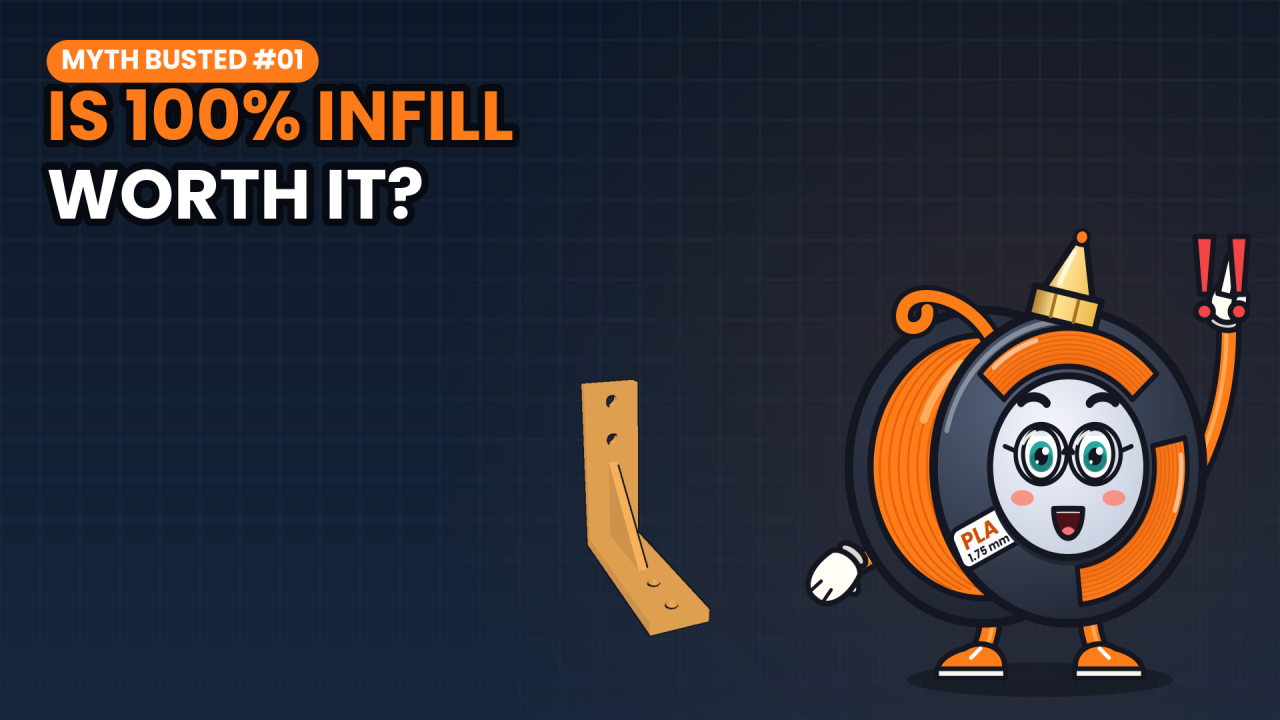
Next: what does the insert melt into? If it's sparse infill, it's mostly melting into air. You want solid walls around the hole. Same lesson as our infill myth episode: walls do the heavy lifting.
In your slicer, raise the wall loops, or perimeters, to 4. With a 0.42 millimeter line width, that's 1.68 millimeters of solid plastic around every hole. Names differ per slicer.
Now the fun part. Set your iron to around the print temperature of your filament, a little hotter is fine. Sit the insert on the chamfer, put the tip in it, and let the heat do the work.
Stop just before it's flush. Then, while the plastic is still soft, press something flat and cold on top for a few seconds. That pushes it flush and sets it straight. And don't touch it: brass stays hot for a while.
When it goes wrong, the insert tells you why. Crooked? You pushed too hard, or at an angle. Sunk too deep? You kept pushing, or the iron was too hot. Spinning with the screw? The hole was too big.
In short: make the hole a bit smaller than the insert, give it extra depth and a chamfer, and print four walls. Then let heat do the work, not force.
The test bar is free to download. Print it, try your inserts, and tell me in the comments: which hole size worked for yours? I'm Spoolbert, see you in the next one.

Spoolbert explains one 3D printing problem per episode, with a free model to test the fix. Made by EMBODY³, a 3D printing studio in Belgium.